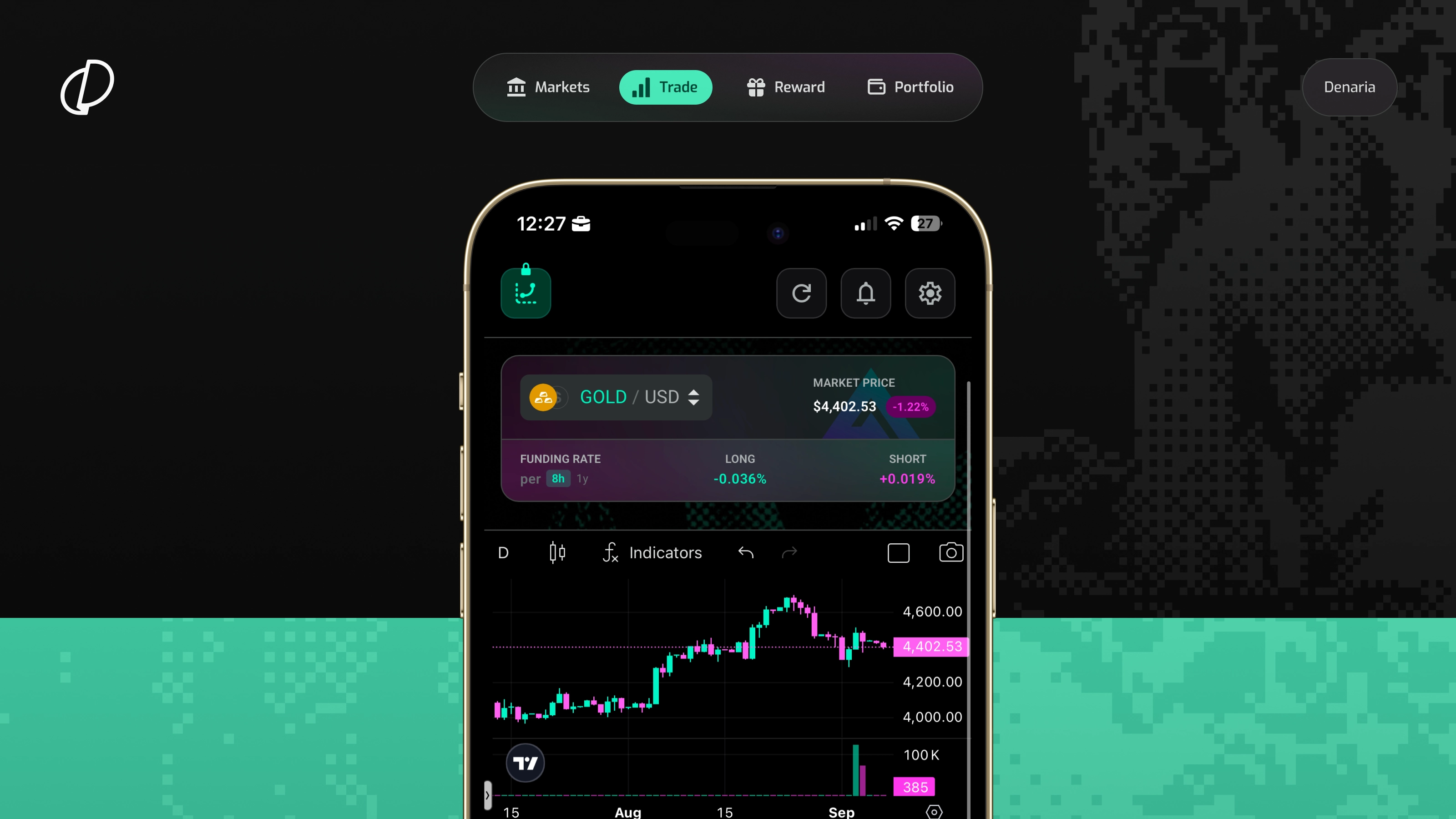
Create your Denaria account – Visit https://denaria.app/ from your smartphone, sign up or log in with your email, and secure your smart wallet using passkey-based authentication.
Deposit funds – Deposit USDC into your Denaria wallet on Arbitrum to start trading.
Open a position – Choose a market, select Long or Short, set your collateral and leverage, and open your position through the Denaria interface.
Manage & close – Monitor your open positions, adjust your risk with Take Profit and Stop Loss orders, and close your position directly from your phone.